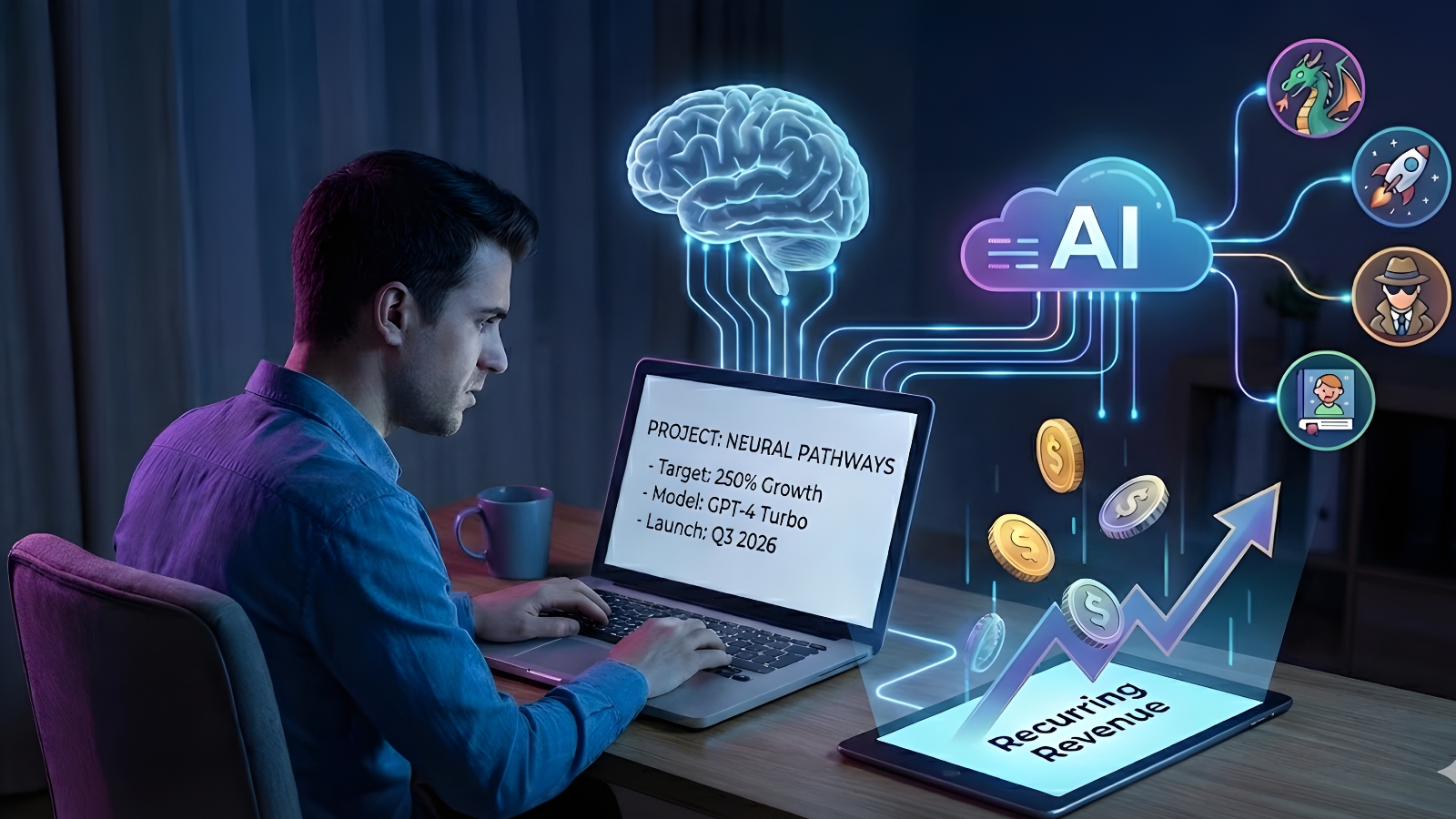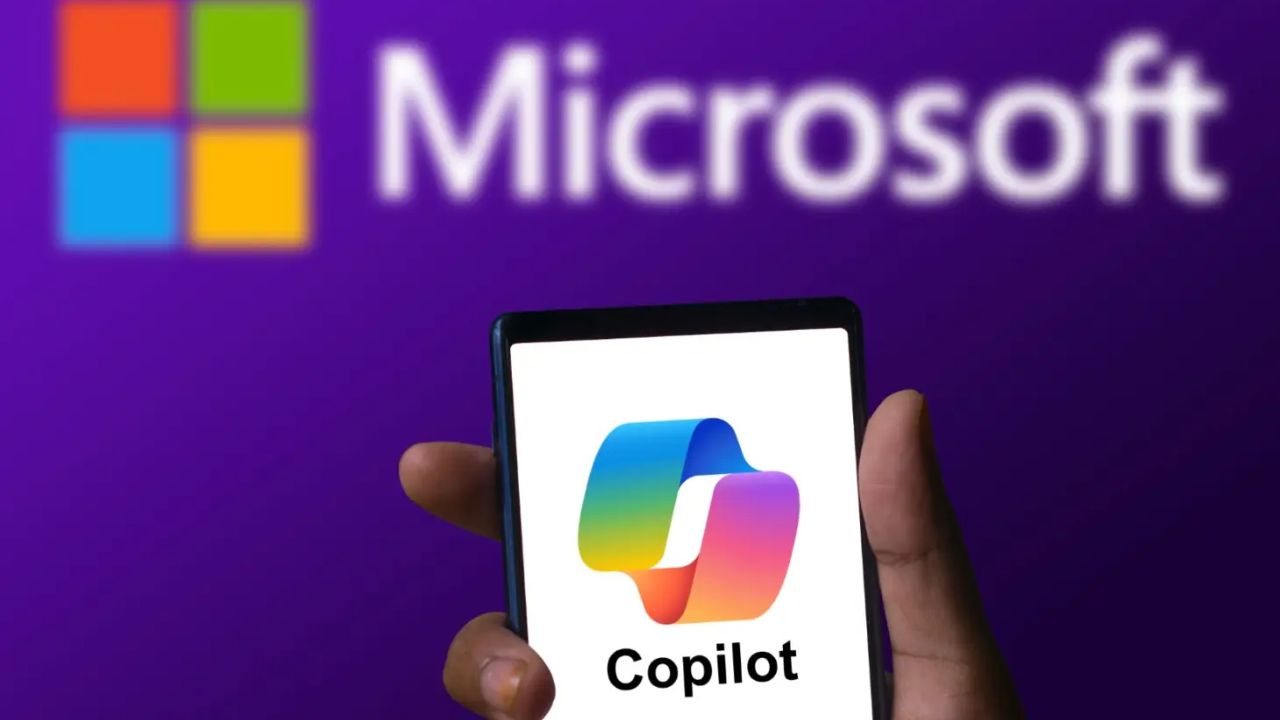
Microsoft continues to push the boundaries of artificial intelligence with major updates to Copilot AI features. These enhancements are aimed at improving productivity, boosting creativity, and making enterprise-level AI more accessible to users across Microsoft 365 and other services. Whether you’re a developer, business analyst, or content creator, the newly added Copilot AI features bring smarter automation, deeper integration, and real-time insights that can transform your workflow.
What Are Copilot AI Features?
Copilot AI features refer to the AI-powered tools integrated into Microsoft products like Word, Excel, Outlook, PowerPoint, Teams, and Azure. These features use advanced large language models (LLMs), such as OpenAI’s GPT-4, to provide real-time suggestions, automate tasks, summarize information, and even write emails or generate data visualizations. From drafting reports in Word to analyzing spreadsheets in Excel, Copilot AI features are designed to save users time and reduce manual effort.
What’s New in Microsoft’s Copilot AI Update?
Microsoft has recently rolled out a set of upgrades that significantly expand the capabilities of Copilot AI features:
-
Context-Aware Assistance in Microsoft Word
Copilot now understands document tone and purpose better than ever. It can rewrite content, improve clarity, and adjust language for different audiences, making it ideal for professional communication. -
Advanced Excel Analysis
New AI-powered analytics tools allow Copilot to explain complex formulas, identify trends in datasets, and suggest improvements. This makes it easier for non-technical users to understand financial models and business reports. -
Smart Email Summaries in Outlook
With the updated Copilot AI features, you can now summarize long email threads, draft replies, and schedule meetings automatically — reducing inbox stress significantly. -
AI Presentation Builder in PowerPoint
Users can now create full presentations from bullet points or documents. Copilot selects templates, writes slide text, and even recommends images based on content. -
Enhanced Collaboration via Teams
In Microsoft Teams, Copilot now offers real-time meeting summaries, action items, and sentiment analysis. This means better collaboration and faster decision-making.
Why These Copilot AI Features Matter
The updated Copilot AI features mark a shift in how we interact with digital tools. Instead of manually editing, calculating, or presenting, users can delegate repetitive or time-consuming tasks to AI. Here’s how these features impact productivity:
-
Time Savings: Automate routine work and focus on high-value tasks
-
Accuracy: Reduce errors in calculations and communication
-
Creativity: Spark new ideas and formats with content generation
-
Accessibility: Empower all users, regardless of technical skill
How Businesses Can Benefit from Copilot AI
For enterprises, Copilot AI features are more than a convenience — they are a strategic asset. By embedding AI into daily workflows, businesses can:
-
Improve team collaboration
-
Reduce project turnaround time
-
Make data-driven decisions faster
-
Scale operations without adding extra headcount
Microsoft is also adding governance and security layers to ensure that sensitive data processed by Copilot meets compliance standards, especially in regulated industries.
Internal Link Recommendation
To help users learn more about related AI tools, you can include an internal link like this:
👉 Explore top AI Tools to Boost Productivity
Getting Started with Microsoft Copilot AI Features
To begin using these enhanced Copilot AI features, users need a valid Microsoft 365 subscription with Copilot access. Microsoft is also expanding Copilot’s availability to more pricing tiers and adding integrations with services like Loop, Viva, and Dynamics 365. If you’re interested in deploying these features for your team, Microsoft offers step-by-step guides and video tutorials within its official documentation.
Final Thoughts on Microsoft Copilot AI Features
The continued evolution of Copilot AI features shows how AI is becoming deeply embedded in everyday work. These tools not only make our lives easier but also elevate the standard of digital productivity. Whether you’re managing emails or building presentations, Microsoft’s Copilot makes intelligent assistance just a click away. As Microsoft continues to innovate, expect even more powerful Copilot AI features to emerge, reshaping how we work in the digital age.
Also read these News :